Blog & Insights
How to Automate PDF Orders in Shopify
The Manual Order Entry Problem
If you run a B2B wholesale operation on Shopify, you know the drill. A buyer sends a PDF purchase order by email. Someone on your team opens it, reads through the line items, searches each SKU in Shopify, enters quantities, checks pricing, creates a draft order, and sends the confirmation — all manually. For a 20-line order, that's 15 to 25 minutes of work.
Multiply that by 10, 20, or 50 orders per week, and you're looking at a part-time job's worth of data entry. Worse, manual entry introduces errors: wrong SKUs, wrong quantities, missed line items. Each error creates follow-up work, delays shipment, and erodes customer trust.
For fast-growing B2B wholesalers and distributors, manual order entry is a silent margin killer.
What PDF Purchase Order Automation Looks Like
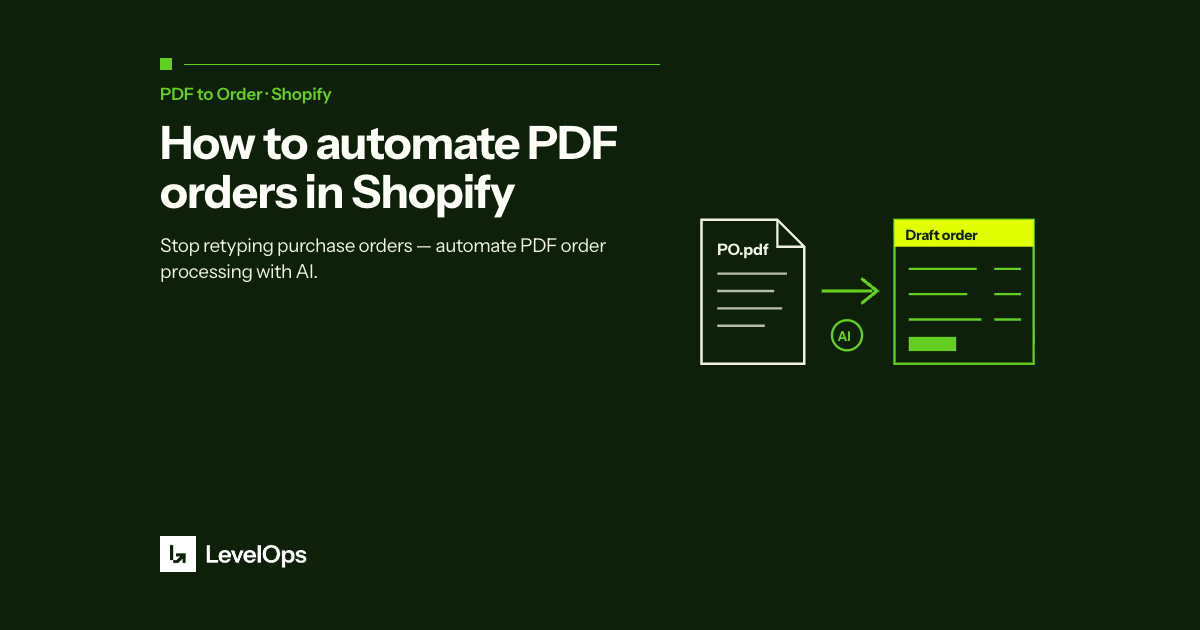
PDF to Order by LevelOps is a Shopify-native app that eliminates this bottleneck entirely. Here's how it works:
Step 1: Your Buyer Sends a PDF Purchase Order
Nothing changes on your customer's end. They email you a PDF purchase order — the same way they always have. The difference is what happens next.
Step 2: AI Extracts the Order Data
PDF to Order reads the PDF automatically. The AI identifies line items, quantities, unit prices, and customer information — even across different buyer PO formats. There's no template setup required for each customer.
Step 3: SKUs and Pricing Are Validated
The app cross-references extracted SKUs against your Shopify product catalog. It flags mismatches, substitutions, and pricing discrepancies before an order is created. Your team reviews exceptions — not routine data entry.
Step 4: A Draft Order Is Created in Shopify
A properly formatted draft order appears in your Shopify admin, pre-populated with the correct customer, line items, quantities, and pricing. Your team approves it in one click.
How to Set Up PDF to Order in Shopify
- Install the app from the Shopify App Store — search for PDF to Order by LevelOps. The app installs in under 2 minutes with no developer required.
- Connect your order intake email — the address your buyers send POs to. The app monitors this inbox automatically.
- Configure your SKU mapping — if buyers use their own part numbers, you can map them to your Shopify SKUs once. The app remembers the mapping for future orders.
- Set your approval workflow — choose whether orders are auto-approved or flagged for review before becoming draft orders.
- Test with a real PO — send a sample PDF and confirm the draft order looks right.
ROI Calculation: What This Is Worth
Here's a simple framework to calculate your time savings:
- Time per manual order: 15–25 minutes average
- Orders per week: Your current volume
- Hourly cost of operations staff: $20–$35/hr typical
Example: 30 orders/week × 20 minutes × $25/hr = $250/week in labor, or roughly $13,000/year — just in data entry time. That doesn't include the cost of errors, reprocessing, and customer follow-ups.
PDF to Order starts at $50/month. The math is straightforward.
Who This Is For
PDF to Order is built for B2B wholesale merchants on Shopify across food & beverage, industrial equipment, health & supplements, beauty & CPG, and toy distribution. If your buyers still send PDF purchase orders — and most B2B buyers do — this app is designed for your workflow.
It's especially valuable if you're processing more than 5 orders per week manually, or if you're running a lean operations team that can't afford to scale headcount with order volume.
Ready to Eliminate Manual Order Entry?
Start your free trial at PDF to Order for Shopify. Setup takes under 10 minutes and no developer is required.