Blog & Insights
Complete Guide: B2B Orders in Shopify
The Problem with Manual B2B Order Processing
If you operate a wholesale, B2B, or manufacturing-focused Shopify store, you've probably received purchase orders by PDF or email. Manually retyping these orders into Shopify isn't only slow — it introduces mistakes, delays fulfillment, and frustrates customers who expect rapid processing.
Every PDF takes 2–10 minutes to handle manually. Multiply that by daily volume and it becomes a real operational cost.
How Automation Works
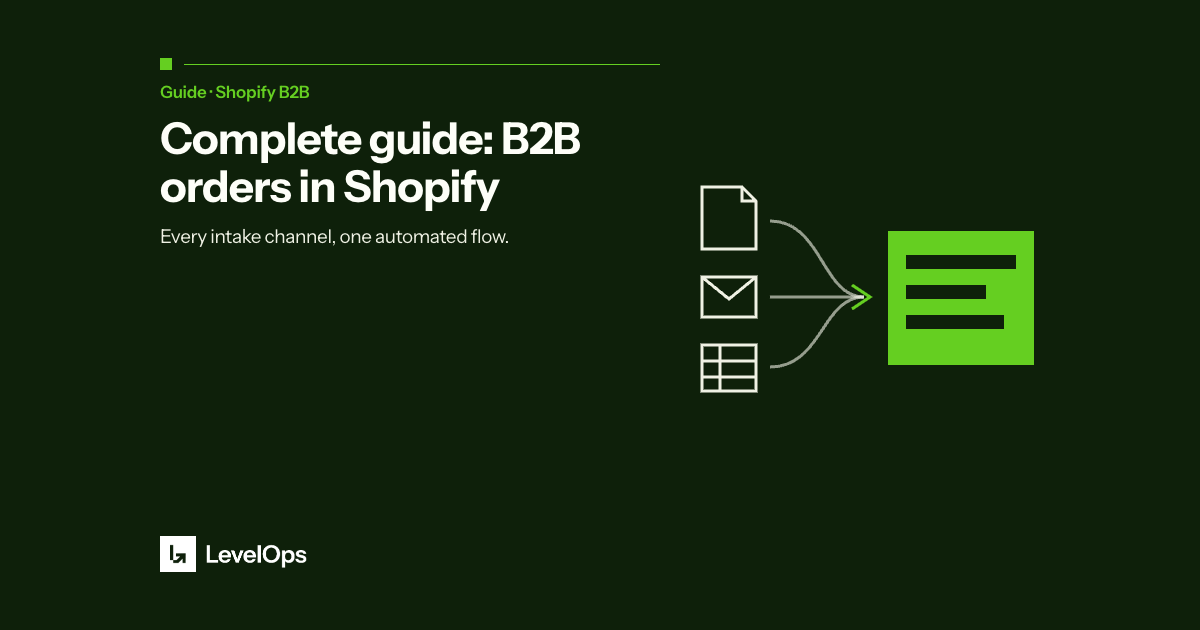
Tools like LevelOps PDF to Order automatically extract key order fields from PDF and Excel files — customer name, SKUs, quantities, shipping address — and convert them into Shopify draft orders instantly. No configuration, no manual mapping.
The Business Case
The ROI is straightforward: if your team processes 20 orders per day at 5 minutes each, that's over 1.5 hours daily saved. At scale, that's a full FTE worth of capacity redirected toward higher-value work.
Beyond time savings, automation eliminates the human errors that cause fulfillment issues, customer complaints, and costly corrections downstream.
Getting Started
If you operate a wholesale or B2B Shopify business, PDF automation isn't a luxury — it's a competitive advantage. The best solutions install in minutes, require no IT involvement, and start delivering ROI from day one.