Blog & Insights
Convert PDF POs to Shopify Draft Orders
The Challenge: PDFs Don't Plug Into Shopify
B2B customers send purchase orders in whatever format works for them — PDFs, Excel files, email attachments. These formats don't plug directly into Shopify, which means someone on your team has to open each one, read it, and manually enter the data into your store.
It's repetitive, error-prone, and completely unscalable as order volume grows.
The Solution: Automated PDF Extraction
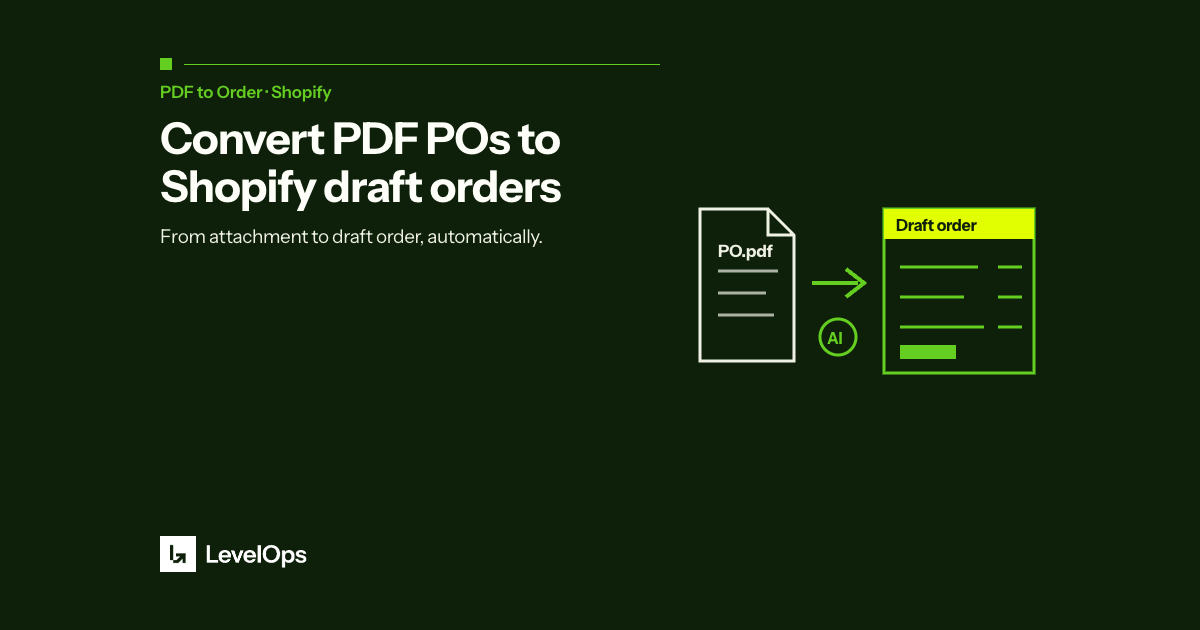
LevelOps PDF to Order uses AI to extract order information from any PDF or Excel file and automatically creates a Shopify draft order. The process takes seconds instead of minutes.
Key fields extracted include: customer name and contact, SKUs and product descriptions, quantities and unit pricing, shipping address and delivery notes, and PO number for reference.
The Result
Merchants using PDF to Order report eliminating 50–100% of manual order entry time depending on order complexity, with accuracy rates above 99%. The app installs directly from the Shopify App Store with no configuration required — it learns your product catalog automatically.
For B2B and wholesale Shopify merchants, this is the fastest path from order received to order fulfilled.